
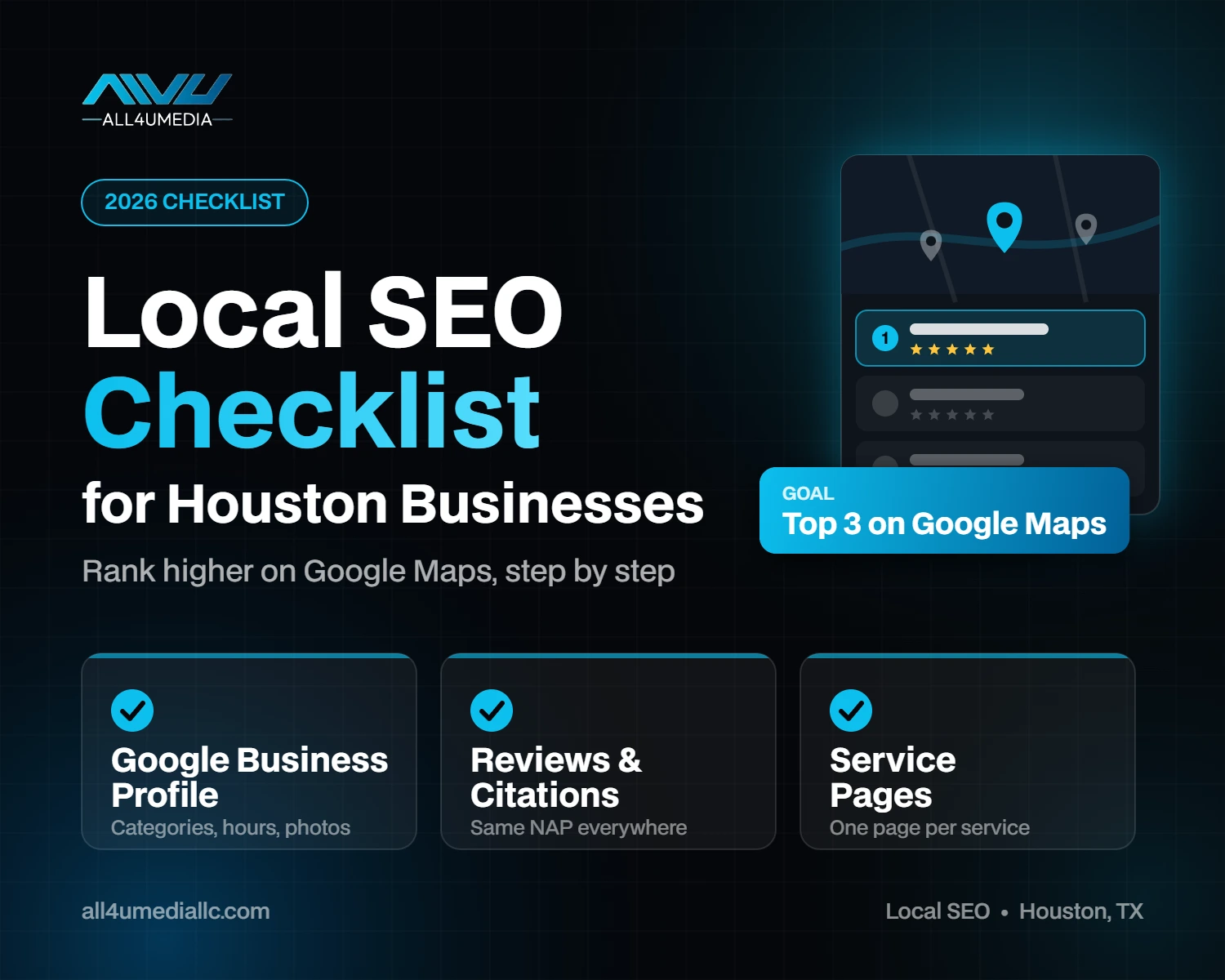
When someone in Houston searches for “plumber near me”, “best tacos in the Heights” or “roof repair Katy”, Google shows a map with three businesses at the top, followed by regular search results. Getting into those spots is what local SEO is all about. The good news is that you do not need a huge budget to compete. You need the basics done right and done consistently. This checklist walks you through exactly what to set up, in the order that matters most.
Why local SEO matters for Houston businesses
Houston is huge and spread out. A customer in Sugar Land is not going to drive to The Woodlands for a haircut, and Google knows that. When people search for a service, Google tries to show businesses that are relevant, close to the searcher and trusted. Local SEO is how you send Google clear signals on all three, so you show up for the customers in the parts of Houston you actually serve.
1. Set up and optimize your Google Business Profile
Your Google Business Profile (GBP) is the single most important local SEO asset you have. Industry research such as the Whitespark Local Search Ranking Factors report consistently ranks profile signals at the top for map results.
- Claim and verify your profile at google.com/business.
- Choose the right primary category. This is one of the strongest ranking signals, so pick the category that best describes your main service, then add relevant secondary categories.
- Use your real business name. Do not add extra keywords to your name. Google can suspend profiles for keyword stuffing.
- Add accurate hours, including holiday hours. Whether you are open at the time of a search now has a big impact on visibility.
- List every service you offer, with a short description for each.
- Set your service area if you travel to customers, such as Houston, Katy, Pearland, Sugar Land or Spring.
- Upload real photos of your team, work, storefront and vehicles, and keep adding new ones.
- Post updates regularly: offers, recent projects, events or tips.
For a detailed walkthrough of every setting, read our step-by-step guide to optimizing your Google Business Profile.
2. Make sure your website is built for local search
- Create a separate page for each service. Dedicated service pages are one of the strongest local organic ranking factors. One “Services” page that lists everything is not enough.
- Put your service and city in your page titles, for example “Roof Repair in Houston, TX | Your Business”.
- Show your name, address and phone number in the footer of every page, and make the phone number click-to-call.
- Embed a Google Map on your contact page.
- Add LocalBusiness schema markup so search engines can read your business details. Plugins like Rank Math make this easy on WordPress.
- Make it fast and mobile-friendly. Most local searches happen on phones.
If your website is outdated or missing these basics, our guide on how much a website costs in Houston can help you plan an upgrade.
3. Keep your NAP consistent everywhere
NAP stands for Name, Address and Phone number. Google compares your details across the web, and mismatches create doubt about which information is correct.
- Pick one exact format for your business name, address and phone number, and use it everywhere.
- Update old listings if you have moved or changed your number.
- Use the same website URL on every listing.
4. Build local citations
Citations are mentions of your business on other websites and directories. They help Google confirm your business is real and located where you say it is, and they are becoming more important as AI search tools pull business information from across the web.
- Core listings: Bing Places, Apple Business Connect, Yelp, Facebook, Better Business Bureau.
- Industry directories: sites specific to your trade, such as Houzz for home services or Healthgrades for medical practices.
- Local directories: your chamber of commerce and Houston business associations.
5. Get more (and better) Google reviews
Reviews influence both rankings and whether people choose you. The number of reviews, how recent they are, your average rating and what customers write all matter.
- Ask every happy customer for a review. Send a direct link by text or email right after the job is done.
- Reply to every review, positive or negative, politely and professionally.
- Never buy fake reviews or offer rewards for reviews. It breaks Google’s rules and can get reviews removed or your profile suspended.
6. Create content about your local area
- Write about local projects and case studies, for example “Kitchen Remodel in Bellaire”.
- Answer questions your Houston customers ask, such as seasonal tips, pricing guides or local regulations.
- If you serve several areas, create useful pages for your main service areas, with genuinely different content on each. Avoid copying the same text and just swapping the city name.
Sharing that local content on Facebook and Instagram helps more Houston customers see it. Our guide to social media marketing for Houston small businesses shows what to post and how often.
7. Earn local links
Links from other trusted websites act like votes of confidence. For local businesses, links from local and industry websites are especially valuable.
- Sponsor a local event, school team or charity.
- Join the Greater Houston Partnership or your local chamber of commerce.
- Partner with complementary businesses and feature each other.
- Share expert tips with local news sites and blogs.
8. Track your results
- Google Search Console: see which searches bring people to your website.
- Google Business Profile insights: track calls, direction requests and website clicks.
- Google Analytics: measure form fills and phone clicks from your website.
Local SEO takes time. Most businesses start seeing movement within a few months of consistent work, with stronger results over six to twelve months.
Quick local SEO checklist
- ☐ Google Business Profile claimed, verified and fully completed
- ☐ Correct primary and secondary categories
- ☐ Accurate hours, services and service area
- ☐ Fresh photos and regular posts
- ☐ A separate website page for each service
- ☐ Service and city in page titles
- ☐ NAP in the website footer and identical everywhere
- ☐ LocalBusiness schema on the website
- ☐ Listings on Bing, Apple, Yelp, Facebook and BBB
- ☐ A simple system for asking for reviews
- ☐ Replies to all reviews
- ☐ Local content published regularly
- ☐ Search Console and Analytics set up
Frequently asked questions
How long does local SEO take to work?
You can often see early improvements within one to three months, especially after optimizing your Google Business Profile. Competitive industries in Houston usually need six months or more of consistent work.
Can I rank in areas where I do not have an office?
Map results strongly favor businesses close to the searcher, so ranking far from your address is harder. You can still reach nearby areas through a service area on your profile and helpful service area pages on your website.
Do I need a website for local SEO?
A Google Business Profile alone can get you some visibility, but a website with dedicated service pages makes a big difference to both map and organic rankings, and gives customers more reasons to trust you.
Need help with local SEO in Houston?
Doing all of this while running a business is a lot. At All4UMedia, we help Houston businesses set up and grow their local presence, from Google Business Profile optimization to service pages, citations and reviews. Explore our local SEO services in Houston, request a free growth plan, or contact us to talk about your goals.


